
Zero Persistence
Delete Browsing Data on Quit
When you finish a browsing session, your phone should reset to a clean slate. Configure exactly what is purged the second you swipe Nirvana away from your Android recents tray.
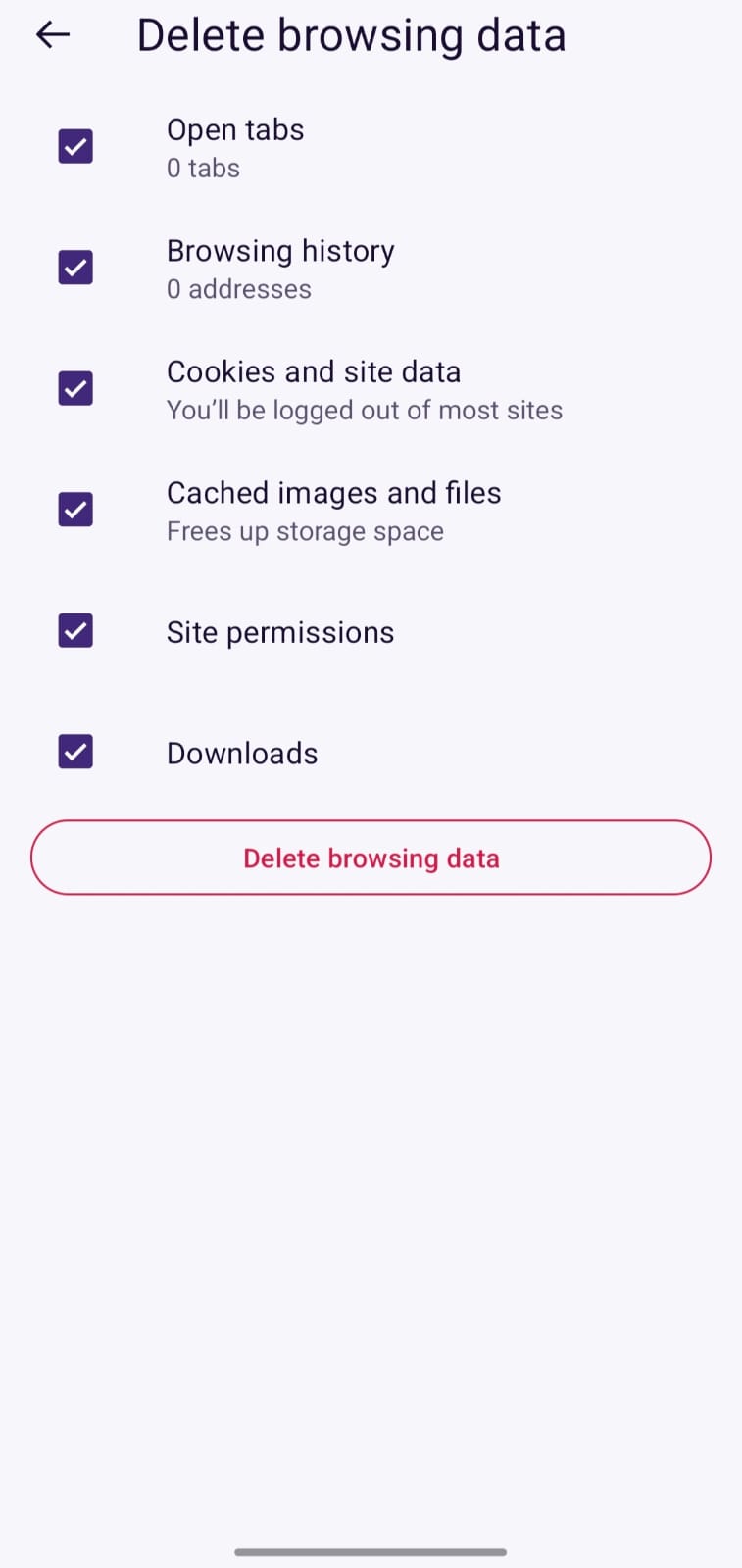
Actual Nirvana UI with individual data category checkboxes
Granular Purge Checkboxes
Open Tabs
Closes all active webpage tabs and frees memory instantly upon app exit.
Browsing History
Purges the list of visited URLs and navigation timestamps from local storage.
Cookies & Site Data
Logs you out of web sessions and deletes persistent session identifiers.
Cached Images & Files
Frees device flash storage space by deleting temporary web assets.
Site Permissions
Resets location, camera, or microphone permissions granted to specific domains.
Downloads Log
Clears the download transaction history (downloaded files remain safely in your phone Downloads folder).
Note: Saved Bookmarks and Password Vault entries are never erased by automatic quit purges unless you explicitly choose to wipe your profile in Settings.